Today I took on the relatively arduous task of mapping out the wiring harness as it will need to be totally replaced. Fairly large portions of it are severely burnt/melted, more than I had initially noticed/assessed. For the most part it it is fairly straight-forward point-to-point connections. I started with the door sensor loop, as it is the most damaged.
Almost forgot, there is a pair of small PCB’s that need to be mapped… The PCB that sits over the X stepper motor, and the one that connects the flex cable to the main wiring harness. For all intents and purposes these two PCB’s can be thought of as a single PCB, and that’s how I’m going to handle them [it looks like ULS looks at them like this as well, based on their component designators]. The main wiring harness plugs into the lower PCB which is bolted to the chassis. This PCB simply passes the signals onto a flex cable, that runs the signals up to the upper PCB, which then breaks them out for the X stepper motor, and the X & Y homing sensors. With the exception of a handful of capacitors, and a couple of resistors, there really isn’t anything to the PCB’s.
Today I took on the front-panel control/display board. The board is pretty much charred as you can see. It has quite a few traces on it, but is fairly simple in function, thus making it relatively easy to decode.
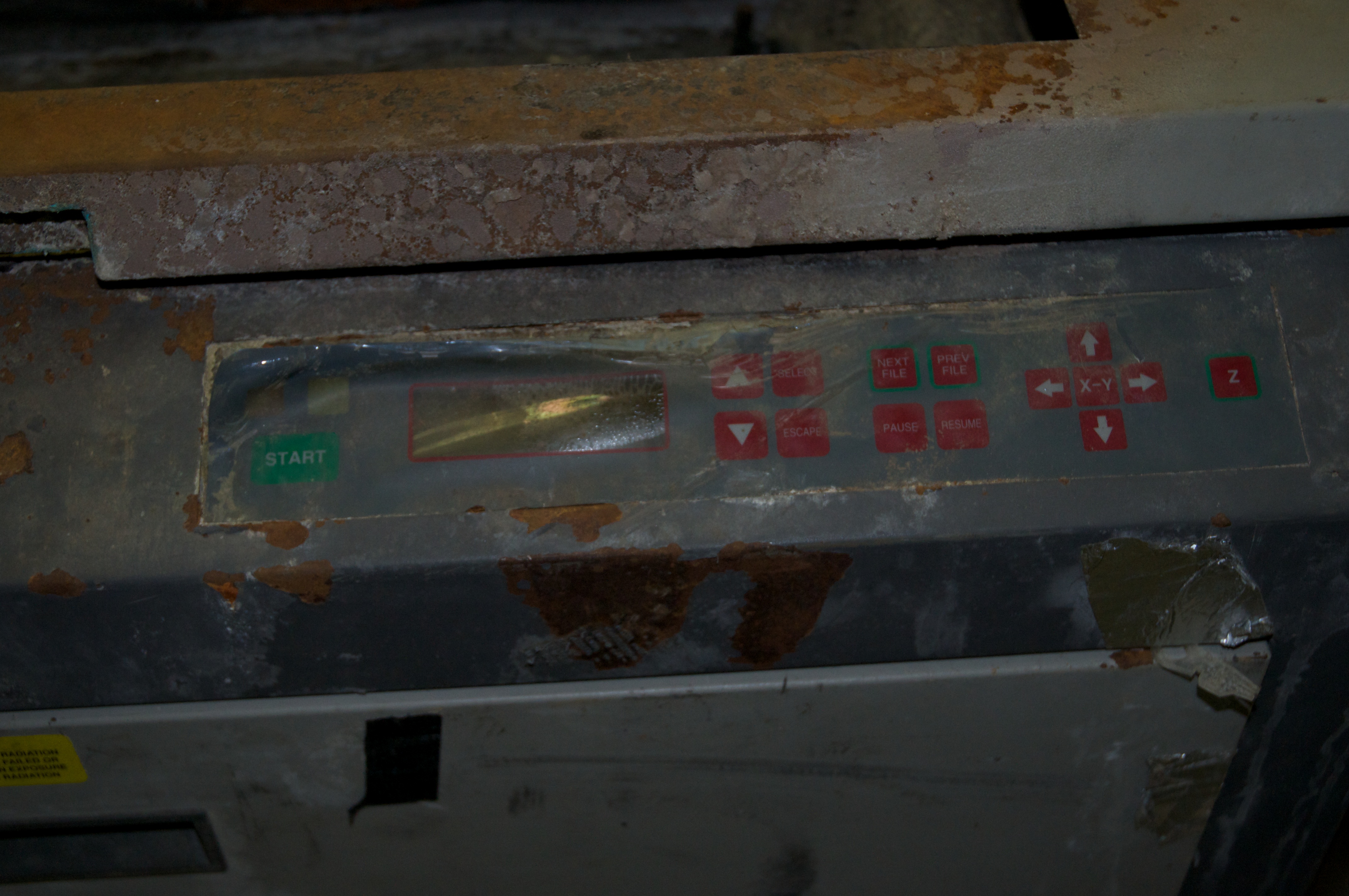
Today I took a bit of time after work to map out the membrane keypad of the control panel. Unfortunately it was badly burnt up, so unusable, and I didn’t take the best of care pulling it off.
I decided to fire up the laser again, and get some pictures this time. So while I was at it, I decided to check the beam alignment between the visible and burning laser beams. I also got some pictures of the test set-up.
Had a little time after work today so I thought I’d try and test fire the laser as it working is pretty much the deciding factor on the fate of this project. After a bit of googling, I found a manual for a ULS OEM laser that contained the connector pin-out. I cut the wiring harness apart, separating out the links to the laser. I still want to use the original power supply if I can. So first thing I did was fire up the power supply, and was happy to see it was outputting at the desired 48V. Next I set up the laser aimed at a concrete block wall, with a piece of card stock as a target. Following the pin-out in the manual I found, I wired in the interlock safety loop with a key-switch, and then used a two way momentary switch attached to an external power supply to trigger the aiming visible red laser, and the CO2 burning laser. I re-applied power, and the laser fan spun-up making a terrible noise… sounds like a blade is hitting the guard, or a bearing is shot… either way, that will need to be replaced. Next I tested the visible laser, and was happy to find it working. [this was a bonus, I was not expecting an integrated visible pointing laser] Then I armed the laser by flipping the key to the safe position and tried firing the CO2 laser…. nothing. My heart sank, I thought perhaps this find was too good to be true.


 Ouch my eye!